Landscaping website examples
Show the garden.
Explain the work.
A beautiful garden photograph can make someone stop. The explanation helps them decide whether you are the right people for their garden. These examples show different ways to connect the work, the service and the first enquiry.
Download the project-page worksheet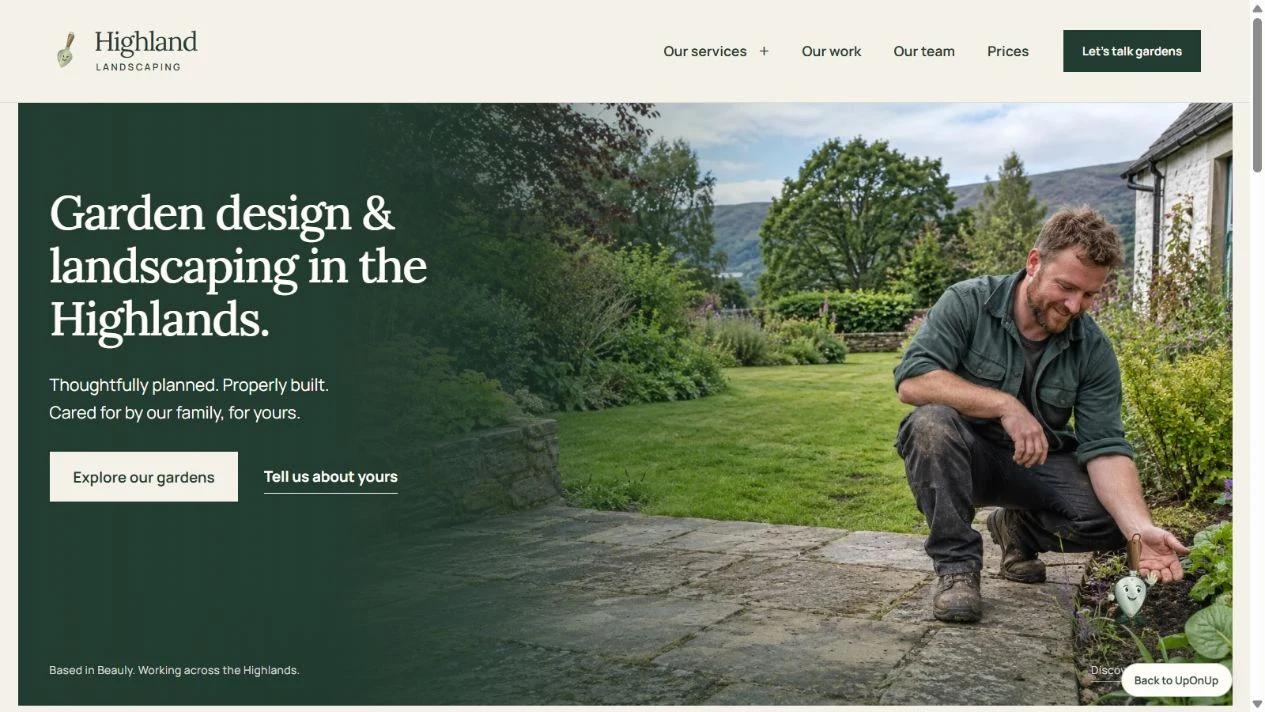
Look at the choices
behind the pictures.
We reviewed these businesses’ public pages on 16 October 2026. The observations describe their content; the suggestions are our interpretation of what a landscaping business could learn from it. We have no performance figures for these sites.
Explaining a substantial project
The Garden Builders
Its garden-design page walks through stages including survey, concepts, visualisations, a master plan and planting. A reader can inspect what sits behind the broad promise of garden design.
Take into your brief: explain the decisions the customer will take part in and what they receive at each stage. Use your own process; a small planting project may need a much shorter explanation.
Read its garden-design pageSeparating services and coverage
Acorn Landscape Services
Acorn gives design and build, garden maintenance, commercial grounds maintenance and estate management their own routes. Its homepage also distinguishes the coverage of its commercial and estate division from its residential team.
Take into your brief: connect coverage to the service. A homeowner and a facilities manager may need different information before either can tell whether you can help.
Explore Acorn’s service choicesGiving ongoing care its own explanation
Bowles & Wyer
The Tend page explains that the team cares for existing gardens as well as gardens it designed and built. It names aftercare work such as pruning, lawn care and irrigation servicing, alongside a route to discuss the garden.
Take into your brief: make clear whether someone can approach you about a garden you did not create. Describe the care you offer before asking them to enquire.
Read the Tend service pageA new garden and
a cared-for garden.
Someone planning a transformation is making a different decision from someone looking for regular help. Give both a clear starting point if you offer both services.
| The decision | Design and build | Garden maintenance |
|---|---|---|
| Does the work fit? | Show comparable garden types and explain design, construction and planting responsibilities. | Name the care offered and distinguish regular visits from separately agreed one-off work. |
| What should they inspect? | A project’s starting point, important decisions and finished details. | The work involved, how arrangements are agreed and what needs assessing first. |
| What starts a useful conversation? | Location, intended change, approximate timing and any known access constraints. | Location, garden size or description, the help needed and whether the request is regular or occasional. |
Let people say when they are unsure. An owner may know that the garden is difficult to look after without knowing which service to select. Leave room for that explanation and say what your team will do next. Our quote-request form guide helps keep the first enquiry useful and manageable.
Explore an UpOnUp design
Follow one garden
through the website.
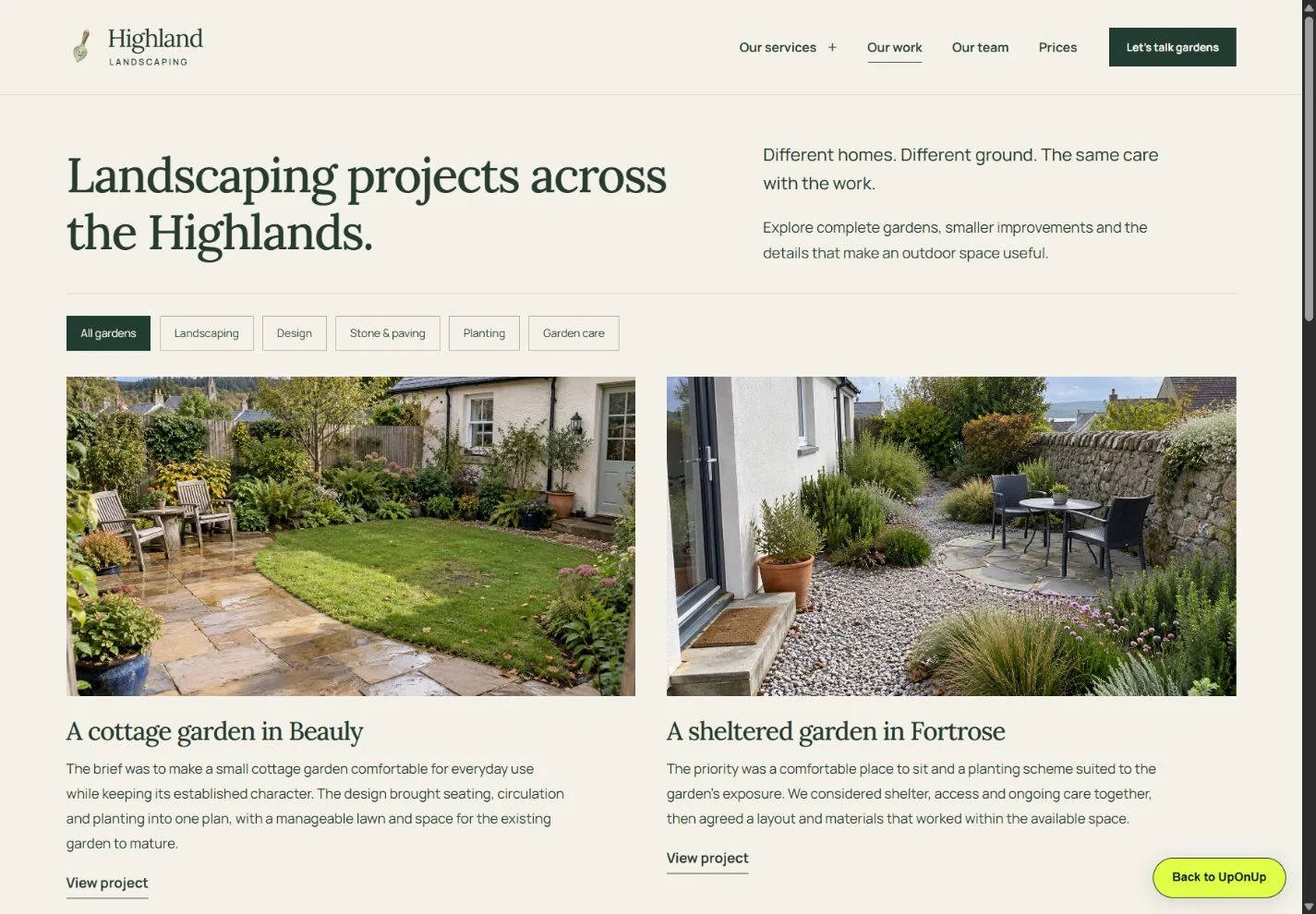
Highland separates garden design, landscaping, paving, planting and care. The gallery lets a visitor filter the work and read the notes, then the relevant service page can continue the explanation.
Its garden-care link carries that service into the enquiry form. Try the journey from the service page instead of judging the homepage alone. The enquiry tool creates a draft to copy or download; it does not send a message.
Seven details for
a useful project page.
Choose a garden that represents the work you want more of. Build the story around what happened there, with enough detail for someone to recognise a similar need.
Name the garden and the job
Use a useful distinction: a sloping family garden, a small courtyard or an ongoing care programme. Include a broad location only with permission.
Explain the starting point
What did the owner want to change? Mention the relevant limits, such as access, an existing tree or the need for space to sit.
Define your part
Say whether you designed, built, planted or maintained the garden. Credit other contributors where appropriate, so the reader understands whose work they are seeing.
Show the decisions
Pair a few well-chosen photographs with explanations of the layout, materials or planting. Show how a choice answered the brief.
Give the photographs context
Identify completed work, planting at different stages and proposed drawings accurately. A fresh border and an established garden tell different stories.
Explain what happens afterwards
Describe the handover or care arrangement where it formed part of your work. Keep a one-off build separate from an ongoing maintenance service.
Offer a relevant next step
Link to the service behind the project. Ask someone with a similar garden to describe the location and the work they have in mind.
A project page also gives your services something specific to link to. Put a planting project beside the planting explanation, and link back from the project to that service. Our case-study guide covers interviewing the people involved; the image guide helps you gather the photographs.
Keep a working copy
Start with one
garden you know.
The editable text worksheet follows the seven points above, with space for image captions, permissions and unanswered questions. Download it, open it in a text editor and keep your own copy. Nothing is submitted.
Before publishing, confirm whose work appears, who has approved the wording and whether the location or photographs could identify a private home. Use accurate broad descriptions where more detail is unnecessary.
See a direction for your own business
What could your
homepage look like?
Send us your current website and we’ll email you a free homepage design. It gives you something to look at before deciding whether to take the website further. There’s no obligation to buy; a full website has its own agreed scope and price.
Get a free homepage design