You know which jobs suit your business. Your website should help the right customers recognise that too.
UpOnUp designs, writes and builds websites for builders, plumbers, electricians and property-maintenance businesses. Show the quality of your work, explain where you work and give people a straightforward way to ask about a job.
A planned job and an urgent call need different routes.
We start with how you work. If your business only takes planned projects, the website should make that clear. If you also handle urgent work, that needs its own accurate explanation.
Planning work
Someone considering a bathroom installation or a renovation may want to see comparable work before getting in touch. Give the service room to explain what you take on and how you assess it.
Before they enquire
Relevant projects, genuine coverage and your process for discussing the job.
A useful next step
Describe the work and location, then arrange the next conversation or visit.
Asking for urgent help
If you offer callouts, put the actual hours, service area and monitored contact route within easy reach. An unattended form should not suggest that someone is already on the way.
Before they call
The services available, when calls are handled and any published callout conditions.
A useful next step
Contact your team to check availability. A request is not a confirmed appointment.
Plan how enquiries reach you.
A renovation enquiry can wait for a conversation. A callout needs someone available to answer. Choose the routes your business can handle, then take the decisions into your website brief.
Your answers stay in this page; we don’t receive them. Leave personal details out of the plan.
Give each route a clear next step.
Planned projectShow the service and coverage, ask about the job, then explain the first conversation.
Callout, if offeredPublish real monitored hours and a contact route that someone handles. Explain what happens outside those hours.
Before launchAgree who replies and test the correct destination. A request does not confirm a visit or dispatch.
Use the blank worksheet below to record your decisions. With JavaScript enabled, you can also make and download a plan here.
Broad towns or areas, rather than a street address.
Your website route plan
Agree the contact links and wording before the website is built.
Planned work
1
Find the right service
Explain the work and show a relevant project.
2
Check the area
Your confirmed service area
3
Describe the job
Agree who replies and what happens next.
An enquiry starts a conversation. A visit and quote still need to be agreed.
Callout enquiry
When someone answers
Your actual monitored hours
How to reach the team
Choose a monitored contact route.
Outside those hours
Agree what the website says when this route is unavailable.
The team checks coverage and availability. Contact does not confirm dispatch.
A clear boundary helps. Your plan covers planned projects. The website should not imply that a callout service is available.
Keep the decisions together.
Unanswered questions stay marked “To confirm” in the download. Check the plan with whoever handles your enquiries.
Give each service enough detail to be useful.
“All work undertaken” leaves a lot for the customer to guess. We work through the jobs you want, the ones you don't take on and the information someone needs before asking.
The page plan follows those distinctions. It doesn't need a separate page for every task or every nearby town.
Separate the work you want to take on: extensions, renovations, smaller alterations or other agreed services. Explain how an initial discussion leads to a site visit and a defined scope.
Plumbers
Give planned installations and repairs their own explanations where they need them. Publish callout hours and coverage only when they reflect the service you actually provide.
Electricians
Help someone distinguish the services you offer and the properties you work in. Use your approved descriptions and current credentials, with any limits made clear.
Property maintenance
Distinguish one-off jobs from ongoing arrangements. Explain whether you work with homeowners, landlords or other businesses, and how someone discusses several jobs at a property.
Show the care in the work.
A finished room gives someone the overall impression. A closer photograph can show the finish around a fitting, the joinery or how the work meets the existing property. Add a short explanation of your part in the job and those pictures become much more useful.
We organise the material and write the descriptions. You confirm the project facts, permission to publish and which work was yours. Customer addresses and private details don't need to appear.
A quote request should give you something to work with.
Ask enough to recognise the job without making a homeowner write a specification. A service choice and a short description may be enough to start; leave room for someone who isn't sure what the work is called.
Explain whether you assess the job by phone, arrange a visit or need further information. Where you publish an estimate, a starting price or a quote, use wording and conditions you have approved. The website should not turn a rough description into an agreed price.
The jobWhat needs doing, in the customer's own words.
The areaA town or postcode to check coverage.
The timingA preferred timeframe, without promising availability.
The replyA name and a reliable email or telephone number.
We agree the fields, recipient and confirmation message with you. Our quote-request form guide explains how to choose the questions. Photos, file uploads or connections to your quoting software need their own scope.
See a related enquiry journey in action.
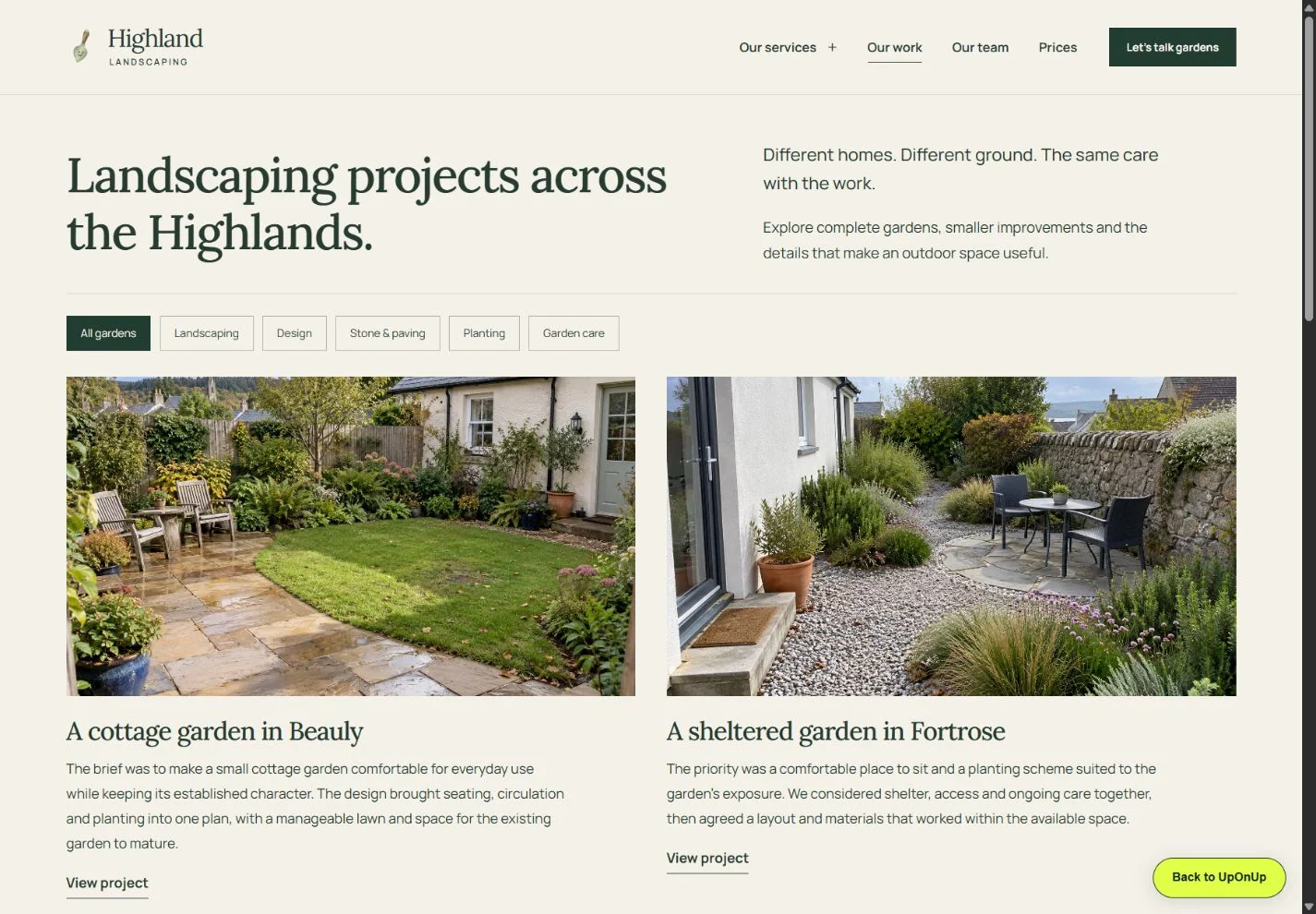
Highland Landscaping is a garden and landscaping website example. Its service explanations and project enquiry show how someone can move from looking at work to describing their own plans.
Try the location, work, budget and timing fields. The example prepares a draft to copy or download; it sends nothing. We would shape your trade website around your own jobs and response process.
We turn your services, project photographs and business details into up to 25 agreed pages, with original design, copywriting and responsive development. Your first reviewable version follows within 48 hours of the deposit and confirmed business details, with 2 consolidated refinement rounds.
You review the business details and approve the finished website before launch. The website and project files are yours after full payment, subject to third-party asset licences.
Yes. We plan a new UpOnUp website, accounting for useful existing pages, project material, URLs, your domain and email before launch. This is a replacement build, rather than maintenance of another provider's site.
Do I need to write the pages first?
No. Give us your services, coverage and reliable business details. We write the agreed pages and you check the facts, credentials and final wording.
Do you work with trade businesses outside the UK?
Yes, we deliver website projects remotely. Your own area, terminology, business facts and approved claims shape the content. Additional languages need an agreed scope.
Send your current site if you have one, the main jobs you take on and where you work. We can start there.