Practical guide

A website redesign checklist you can use.

A redesign is easier to judge when you know what the old site contains, what the new one must do, and how the move will be checked. Work through this list before you approve a build, then use it again before launch.

01 / Before the design

Record what exists before it moves.

Start with a simple list of every important URL, what that page is for, and its proposed destination. Include pages reached from search, emails, printed material and other websites. Look at Search Console or analytics if you have access, but do not assume low traffic means a page is worthless.

Keep an export or dated copy of the old content. Record the current contact form, phone or email links, domain registrar and email provider. That makes the launch conversation much more precise.

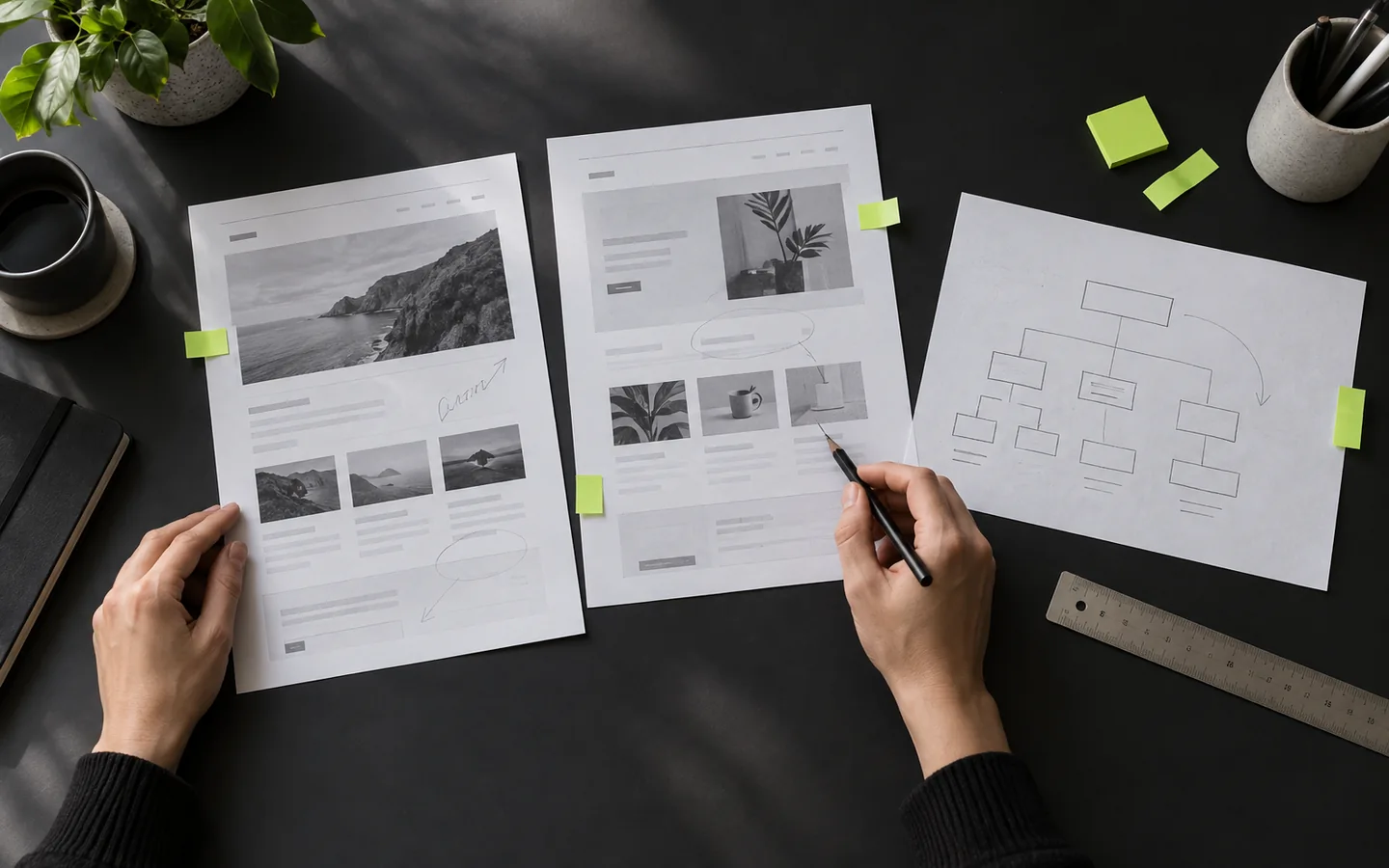
Printed website layouts being reviewed beside a page hierarchy sketch
Record the pages and journeys before changing the design.

Swipe sideways to see all columns

RecordExample questionDecision to make
Current URLWhere does this page live today?Keep the address, change it or retire it.
PurposeWhat question does it answer or action does it support?Keep, rewrite, combine or remove the content.
EvidenceDoes it attract visits, links, enquiries or recurring customer questions?Prioritise the pages that serve a real need.
New destinationIf the URL changes, what is the closest relevant replacement?Plan a direct redirect or leave a real 404 when there is no replacement.

02 / Agree the new site

Give each page a job.

A page plan should reflect your services, customer questions and contact route. A page count alone says little about whether the site will be useful.

Content and message

  • Can a first-time visitor tell what the business does and who it serves?
  • Does each service have enough detail to support a decision?
  • Are prices, service areas, opening hours and claims accurate?
  • Is there real imagery or useful visual evidence where it helps?

Scope and ownership

  • Have you agreed the page list, forms and any integrations?
  • Who writes the copy and checks the final business facts?
  • How many review rounds are included?
  • Who owns the finished files, domain and content?

For UpOnUp, the £799 build includes planning, copy and development for up to 30 agreed pages, plus two consolidated rounds of refinements. Large catalogues, ecommerce, bespoke software and complex integrations need separate scoping.

03 / Before publication

Test the journey, not just the homepage.

Walk through the new site as someone unfamiliar with the business. Check the full path from a service page to a working enquiry.

On the page

  • Read every headline, service detail, address and call to action.
  • Check phone and desktop layouts, readable text and image crops.
  • Try menus, buttons, forms, thank-you states and error messages.
  • Check that imagery has permission for use and useful alternative text.

During the move

  • Confirm who will update the domain connection and when.
  • Test important old URLs against their mapped new destinations.
  • Check that live pages are indexable and canonical URLs are correct.
  • Keep existing email services working through the cutover.

Google recommends relevant permanent server-side redirects when URLs change and notes that rankings may fluctuate while the new URLs are processed. See Google's site-move guidance.

04 / After launch

Watch the site in the real world.

Publication is the beginning of observation. Check the exact things that can quietly fail after a move.

FIRST DAY

Send a real enquiry.

Test the form from a phone and confirm it arrives at the right inbox. Follow a few old links and check the new destinations.

FIRST WEEKS

Watch indexing.

Use Search Console, if available, to inspect important pages, sitemap processing and crawl errors. Fix failures based on evidence.

ONGOING

Keep facts current.

Update service details, hours, people and imagery as the business changes. A clear site becomes less useful when its answers go stale.

A redesign cannot guarantee the same search positions or a certain number of enquiries. The checklist helps you reduce avoidable mistakes and spot real problems sooner.

Message the team